Is buff 163 trustworthy? A full guide
 •
•
Is buff 163 trustworthy? Check before buying or selling a skin
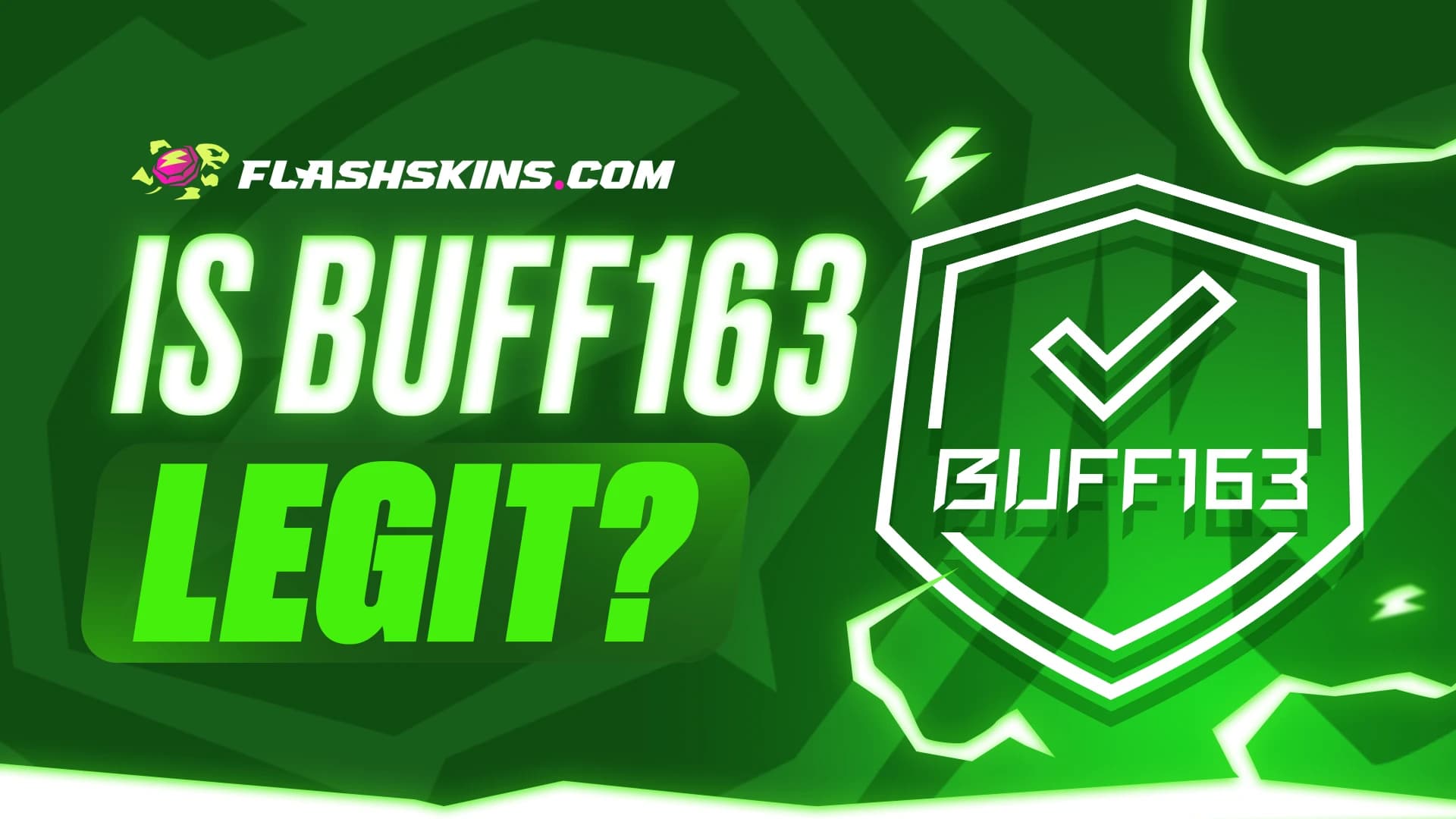
Imagine finding your dream knife for less than on other platforms. You are already planning your new loadout when a question comes up: is buff 163 trustworthy? It is a reasonable concern. When valuable skins are involved, both the price and the transaction process matter.
This guide explains what BUFF163 is and what to check before using it. You will also discover two FlashSkins features: the marketplace for browsing and buying items, and instant sell for selling skins at an automatically calculated price. We will also explain an easily overlooked distinction: why selling a skin does not always mean your money is immediately available to withdraw.
Is buff 163 trustworthy and safe?
An established platform versus a secure transaction
BUFF163 is an operating platform for trading in-game items, including CS2 skins. Its existence is supported by the official NetEase BUFF app listing on the App Store. However, a recognizable platform name does not guarantee that every link or trade offer you receive is genuine.
A legitimate platform can still be impersonated by scammers. A fake Steam login page, a message asking you to “verify your skin,” or an unexpected trade recipient can put your items at risk, regardless of the marketplace you intended to use.
What should you check when trading from Europe?
Before buying, check the requirements for your account, identity verification, deposits, and withdrawals. Do not assume a payment method shown in an overseas guide will also be available to you. This is particularly relevant when using a service aimed at a different market.
An older tutorial may help you understand the interface, but it does not confirm the current rules. First, make sure you can complete the entire process, from payment to using or withdrawing your funds.
Why can prices on BUFF163 be lower?
Compare equivalent items
The question “why is buff 163 so cheap?” often comes up after someone spots an attractive listing. Price differences can reflect competition between sellers, demand, fees, or the characteristics of the item itself. They do not mean every skin on the platform will be the cheapest available.
When comparing knives and gloves, check the model, finish, wear condition, and float value. In some cases, the pattern or Doppler phase also matters. Two items with similar names can have different values.
The advertised price is only the starting point
Compare the total purchase cost or the amount you will receive from a sale. Include fees and any currency conversion costs instead of focusing only on the price displayed next to the skin.
Our analysis shows that a useful comparison needs to account for both the item’s characteristics and the settlement terms. A lower price does not tell the whole story unless you know what you will ultimately pay and how the transaction will work.
The FlashSkins marketplace - how to buy skins
Choose a specific item for your inventory
If you are looking for an item for your inventory, the skin marketplace lets you browse offers and choose one that matches your preferences. On FlashSkins, you can compare items by model, price, wear condition, and float value.
This is useful when hunting for a particular AK-47 or matching gloves to your knife. You are choosing an individual item, so check its details rather than relying on the skin’s name alone.
What should you check before buying?
Start with your budget and the appearance you want. A lower float generally means less wear, but it does not automatically make an item the best purchase. Compare the price with the skin’s appearance and decide whether paying more gives you a noticeable improvement.
Pro tip: if you are choosing a daily playskin, inspect it in-game. A Minimal Wear or Field-Tested example might meet your expectations without using your entire budget on Factory New. Before completing the purchase, also check the item delivery terms.
How do you buy a skin on FlashSkins?
- Sign in to FlashSkins through Steam, checking that the login page is genuine.
- Open the marketplace and search for the item you want.
- Compare available examples by price, appearance, and float.
- Review the final amount and the purchase terms.
- Follow the platform’s instructions and verify the trade offer before accepting it.
- Once the transaction is complete, check your Steam inventory and the confirmation in your order history.
FlashSkins instant sell - selling with automatic pricing
Who sets the selling price?
On FlashSkins, the system calculates the selling price automatically. You select items from your inventory, review the valuation, and decide whether you want to proceed.
You do not enter your own selling price - you evaluate the amount offered by the platform. This means you do not need to create a listing with a custom asking price or adjust it later. Before accepting, it is still worth comparing the quote with similar items, particularly when your skin has an unusual float or pattern.
What is instant sell for?
Instant sell lets you sell your own skins based on an automatic valuation. It is an option for players who want to clear out their inventory through a straightforward selling process.
Use the marketplace to find and buy items, and instant sell to sell selected skins. The distinction is your goal: are you adding something to your loadout or selling items you no longer use?
How do you sell CS2 / CS skins in four steps?
- Select the items you want to sell. Sign in through Steam, add your Trade URL, and choose skins from your inventory. Review the automatically calculated price before continuing.
- Accept the trade offer. After adding your items, you will receive a trade offer. Verify the recipient and the contents, then accept it if everything matches.
- Wait for your funds to unlock in your FlashSkins savings balance. Once the transaction is finalized, the funds are frozen there. After 8 days, provided you have not reversed the trade, they are automatically unlocked and added to the available balance.
- Request a withdrawal. You can withdraw unlocked funds at a convenient time using the available payment methods. Check the terms of your chosen method before confirming.
Selling versus withdrawing - when is your money available?
What does a frozen balance mean on FlashSkins?
Here is the distinction mentioned at the start: a quick sale does not mean your money is immediately available to withdraw. Once the transaction is complete, the funds are held in your FlashSkins savings balance but remain frozen initially.
After 8 days, they are automatically unlocked and added to the available balance, provided the trade has not been reversed. You can then request a withdrawal. If you reverse the trade during that period, the funds from that transaction will not become available to withdraw.
Unlocking funds versus processing a withdrawal
Unlocking your funds and receiving money through your chosen payment method are separate stages. The end of the eight-day period means the amount becomes available for withdrawal. It does not guarantee that the money reaches you at that exact moment.
Before requesting a withdrawal, check the available methods, any fees, and the stated processing time. This helps you understand the entire process before selling your skin.
Does instant sell bypass Steam restrictions?
No. A quick-sale feature does not remove restrictions Steam places on an account or item. Valve states that CS2 items received through a trade are covered by seven days of Trade Protection.
Steam’s seven-day protection period and FlashSkins’ eight-day frozen balance period relate to different parts of the process. They should not be presented as a single rule or used to promise a withdrawal immediately after a trade is confirmed.
How can you trade more safely?
What should you check before accepting a trade?
- Check the website address before signing in. Avoid links sent by strangers.
- Protect your account with Steam Guard.
- Compare the trade recipient and the items in the offer with the transaction details.
- Do not send items for supposed “verification” or to “unlock a withdrawal.”
- Check the final amount, fees, and when your funds will become available.
- If anything does not match, stop and resolve the discrepancy before accepting.
Why is signing in through Steam not enough?
Signing in through Steam makes FlashSkins easier to use, but it does not replace checking the website address and trade details. Do not approve a transaction on autopilot, even if you have completed similar trades many times. When valuable items are involved, taking a moment to check is better than rushing.
Our take
How would we approach buying and selling?
When buying a skin for our own loadout, we would start with the FlashSkins marketplace: choose a specific item, compare its float, and check the price. We would not pay more simply for a wear category if a cheaper example looked just as good during play.
When selling, we would check the automatic instant sell quote and decide whether the amount worked for us. For a rare item, we would also compare similar examples. No extra side quest setting an asking price, but with the understanding that funds must unlock in the savings balance before withdrawal.
FAQ - questions about BUFF163 and FlashSkins
Is buff 163 trustworthy?
BUFF163 is an operating platform for trading in-game items. You should still check the domain, transaction terms, and trade offers.
Is buff 163 safe?
No platform can guarantee the safety of every transaction. Be particularly careful with impersonation websites and fake Steam login pages.
Why is buff 163 so cheap?
Not every item is cheaper there. Competition, fees, and the characteristics of a specific skin can all affect price differences.
Can I use BUFF163 from Europe?
Check the current regional, verification, and payment requirements before getting started. Being able to browse listings does not confirm access to every feature.
What is the FlashSkins marketplace?
It is a place to browse and buy skins. You can compare individual items by details such as price, wear condition, and float.
Can I set my own selling price on FlashSkins?
No. The system calculates the price automatically. You review the valuation and decide whether you want to sell the item.
What do I need to sell skins?
Sign in through Steam, add your Trade URL, and select items from your inventory. Then review the quote and the trade offer.
Does instant sell mean an immediate withdrawal?
No. Once the sale is finalized, funds are frozen in your FlashSkins savings balance. They unlock after 8 days if the trade has not been reversed.
What happens if I reverse the trade?
If you reverse the trade during the frozen period, the funds from that transaction will not unlock for withdrawal.
When can I withdraw my funds?
Once the funds unlock, you can request a withdrawal at a convenient time using the available methods. Processing time depends on the terms of your chosen method.
Conclusion - choose the feature that fits your goal
Buy a skin or check an automatic quote
Answering “is buff 163 trustworthy?” involves more than confirming that the platform exists. Before trading, you also need to consider feature availability, the final price, and the settlement terms.
On FlashSkins, the marketplace lets you browse and buy skins, while instant sell lets you sell them at an automatically calculated price. Before confirming a transaction, check the amount and when your funds will become available. Explore the available items or select skins from your inventory to see your quote.

I am a veteran player with over 20 years of experience, having been part of the Counter-Strike community since the early days of 1.6. As an expert in virtual economy and gameplay mechanics, I help you reach the next level by creating technical guides and tactical breakdowns, while providing data-driven insights into the CS2 skin market and sticker investments.


_1.webp&w=640&q=75)