CS2 Community Servers - Player Guide
 •
•
CS2 Community Servers - Complete Player Guide
What are CS2 community servers?
CS2 community servers are private or public servers created and managed by players, administrators, clans, communities, or external platforms. In practice, this means you are not playing on a standard Valve matchmaking server, but in a place where the rules, maps, game modes, number of players, and extra features can be configured by the server owner.
For many players, CS2 community servers are one of the most interesting parts of the game. They allow you to practice aim, play deathmatch, surf, bunny hop, retake, execute, 1v1 arena, AWP only, pistol only, or unusual modes created by the community. Valve has restored the option to host Workshop maps on community servers, and Workshop maps can be downloaded and updated through the Steam Workshop system.
Why is it worth playing on CS2 community servers?
The biggest advantage of CS2 community servers is freedom. Official matchmaking has clearly defined rules, a fixed map pool, and a specific pace of play. Community servers allow you to jump into a specific type of training or entertainment without having to play a full match.
If you want to improve your aim, you choose deathmatch or an aim server. If you want to practice post-plant situations, you choose retake. If you want to work on movement, better strafing, and control over your character model, surf or bhop servers are a great choice. Based on our expertise, the best results come from treating community servers not as an alternative to matchmaking, but as a training tool before your actual matches.
How to join CS2 community servers
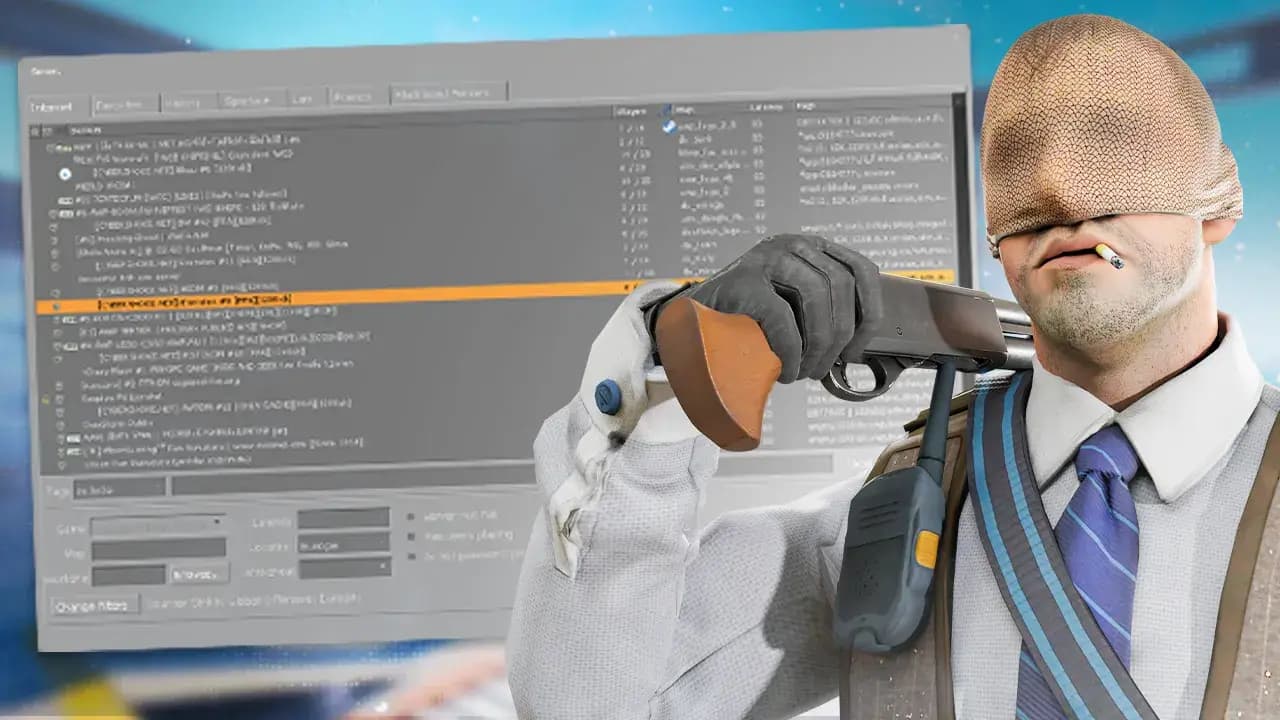
The simplest way is through the in-game server browser. In CS2, you can go to the play section, open the community server browser, and filter available servers by mode, map, number of players, ping, or region. The official CS2 Workshop FAQ states that, apart from Workshop maps, players can still play on community servers through the community server browser.
In practice, it is worth doing it like this:
- Launch CS2.
- Go to the play section.
- Open the community server browser.
- Set a region filter or maximum ping.
- Type the name of the mode, such as retake, surf, bhop, aim, deathmatch, or 1v1.
- Choose a server with a good number of players and stable ping.
- Add a reliable server to your favorites.
If the browser works inconsistently, it is sometimes more convenient to use external server lists or connect directly through the server IP address. In that case, players usually use the connect IP:PORT command in the game console.
The most popular types of CS2 community servers
The most useful CS2 community servers can be divided by purpose. A player who wants to warm up before Premier will choose a different server than someone learning movement, and a completely different one than someone who simply wants a more relaxed experience than ranked play.
Deathmatch servers are best for quick warm-up and improving reflexes. Good DM servers have a fast pace, short breaks after death, and a large number of duels in a short time. The point is not the score, but repetition: shooting consistency, recoil control, and fast crosshair placement.
Retake servers are among the most valuable for training. They simulate post-plant situations, which very often decide the outcome of a round. Players learn fast decision-making, utility usage, position checking, and playing under time pressure.
Aim and 1v1 arena servers help improve duels without unnecessary chaos. They are a good place to work on the first bullet, counter-strafing, holding angles, and reacting to opponents.
Surf and bhop servers focus more on movement. They do not always translate directly into winning rounds, but they improve movement control, smoother character handling, and overall feel for the game engine. For many players, they are also simply a way to relax.
Execute and practice servers are useful for more advanced players and teams. They allow you to practice bombsite takes, specific tactics, grenade lineups, and reactions after taking key positions.
How to choose a good CS2 community server
A good CS2 community server should be stable, active, and clearly described. The first filter should always be ping. Even the best mode will not be enjoyable if you have high latency, teleporting, or inconsistent shooting feel.
The second factor is the number of players. An empty server will not give you proper training, but an overcrowded deathmatch server can be too chaotic. It is best to look for balance: an active community, quick respawns, but without the feeling that you die one second after every spawn.
The third thing is administration. Good servers have active moderators, clear rules, protection against cheaters, sensible command limits, and no aggressive chat spam. My expert opinion is simple: if a server looks like a mess of ads, strange redirects, and suspicious commands from the very first minute, it is better to leave and find another one.
What to watch out for on CS2 community servers
Community servers are great, but not every server is worth trusting. The most important rule is this: never enter your Steam login details outside the official Steam login window and do not click suspicious links in chat. A server may have its own community, website, or Discord, but players should stay cautious, especially when they see promises of free skins, giveaways, or rewards that require logging in.
You should also watch out for servers pretending to be well-known brands or redirecting players to other addresses. If, after joining a server, you end up somewhere different than expected, see spam, strange messages, or forced actions, it is better to disconnect.
The safest servers are those run by known communities, recommended by players, with active administration and transparent rules. It is worth using favorites and building your own list of trusted places.
CS2 community servers and training before Premier
If you play Premier or Competitive, community servers can genuinely improve your form. The best warm-up routine does not have to be long. What matters is regularity and matching the session to your goal.
Example warm-up before a match:
- 10 minutes of aim or rifle deathmatch.
- 5 minutes of pistol DM or 1v1 arena.
- 10 minutes of retake on the maps you play most often.
- A short break, then queue for Premier.
This kind of routine works better than randomly playing deathmatch for an hour. From an expert perspective, the key is not to tire yourself out before the actual match. A community server should warm you up, sharpen your reaction time, and improve confidence in your first duels, not burn you out mentally.
Do CS2 community servers help beginners?
Yes, but beginners need to choose the right mode. New players often jump straight into very fast deathmatch servers and quickly get frustrated. A better starting point is a calmer aim server, training map, retake server with fewer players, or casual community server with clear rules.
A new player should treat community servers as a place to learn one thing at a time. One day, you can practice only the AK-47. Another day, only pistols. The next day, only post-plant positioning. This approach brings faster results than chaotically jumping between modes.
Can you play Workshop maps on CS2 community servers?
Yes. CS2 supports Workshop maps, and creators can publish their maps in the Steam Workshop. Valve states that a subscribed map downloads automatically and appears in the Workshop tab of the map browser, while server operators can use Workshop maps on their community servers.
This is very important for the future of CS2 community servers because player-created maps are one of the strongest parts of the entire Counter-Strike ecosystem. In the past, the community repeatedly created maps, modes, and solutions that later became recognizable across the whole scene.
Can you create your own CS2 community server?
Yes, but this option is mainly for more advanced users. Valve Developer Community describes the process of installing and updating a dedicated CS2 server, and SteamCMD is used to manage the server files.
Creating your own server makes sense if you want to play with friends, train as a team, test maps, build a community, or run a specific game mode. However, you need to remember about configuration, updates, the server token, ports, security, and machine performance. For a regular player, using ready-made and trusted public servers will be much easier.
The most common problems with CS2 community servers
One common problem is not seeing any servers in the browser. In that case, it is worth resetting filters, changing the region, refreshing the list, checking your internet connection, and making sure the game is up to date. Sometimes the issue is not the server itself, but a filter set too narrowly.
The second problem is long map downloads. If a server uses a custom map, the game may need some time to download it. With Workshop maps, the process should be more convenient because the Workshop system helps keep maps updated.
The third problem is high ping. In this case, it is best to choose servers from a region as close to your location as possible. For players from Europe, European servers, especially those in Central Europe, usually work best.
Which CS2 community servers are the best?
There is no single best server for everyone. The best server is the one that matches your goal. If you want to win more matches, choose retake, execute, aim, and deathmatch servers. If you want to improve movement, choose surf and bhop. If you want a more relaxed experience, look for casual community servers with an active player base.
The most valuable servers have several things in common: low ping, a stable number of players, a clear description, active administration, no spam, good maps, and regular updates. Once you find such a server, it is worth adding it to your favorites, because a good personal server list can be just as useful as good game settings.
Expert opinion: is it worth playing on CS2 community servers?
Yes, absolutely. CS2 community servers are one of the best ways to improve outside standard matchmaking. They give you more control over your training, allow you to practice specific situations faster, and help you discover modes that are not available in official gameplay.
Based on our expertise, players who regularly use retake, aim, and deathmatch servers improve their mechanics faster and develop a better feel for round tempo. This does not mean that playing on community servers alone will automatically increase your rank. The result depends on having a plan: a training goal, the right server, and regularity.
It is best to treat CS2 community servers as a supplement to ranked play. Matchmaking tests your decision-making, communication, and mental resilience. Community servers allow you to separately refine aim, movement, retakes, pistols, grenades, or specific positions.
Summary
CS2 community servers are much more than an extra tab in the game. They are a huge part of Counter-Strike culture, a place for training, experimentation, and gameplay created by the players themselves. Thanks to them, you can warm up faster, prepare better for Premier Mode, improve your aim, practice retakes, or simply take a break from ranked pressure.
The most important thing is to choose servers consciously. Check ping, player count, mode, administration, and safety. Good CS2 community servers can genuinely help you improve, but they work best when you use them with a clear goal.
FAQ
Are CS2 community servers free?
Yes, most CS2 community servers are free. Some communities may offer additional VIP features, but for basic gameplay, you usually only need CS2 and a server connection.
How do you find CS2 community servers?
The easiest way is to use the community server browser in CS2, filter by mode, map, region, and ping, and add the best servers to your favorites.
Are CS2 community servers safe?
Most popular servers are safe, but you should watch out for suspicious links, fake Steam logins, spam, and servers pretending to be well-known brands.
Which CS2 server should you choose for aim training?
For aim training, aim servers, deathmatch, headshot only, and 1v1 arena work best. For the best results, it is better to play short sessions regularly.
Do retake servers help in Premier Mode?
Yes. Retake is one of the most practical training modes because it teaches post-plant play, fast position checking, grenade usage, and decision-making under time pressure.
Can I create my own CS2 server?
Yes, you can create your own dedicated CS2 server, but it requires technical configuration, SteamCMD, updates, network settings, and basic administration knowledge.

I am an esports journalist deeply embedded in the global CS2 scene. With over 15 years of experience following the franchise, I specialize in breaking news, tournament coverage, and in-depth updates from Valve, ensuring you never miss a roster change or a critical patch note.